
Create study notes to understand, remember or even test your knowledge before an exam.
2. Click on “Try NotebookLM”.
3. you will be asked to login. (Login using your gmail account)
4. After logging in you will see the following interface.
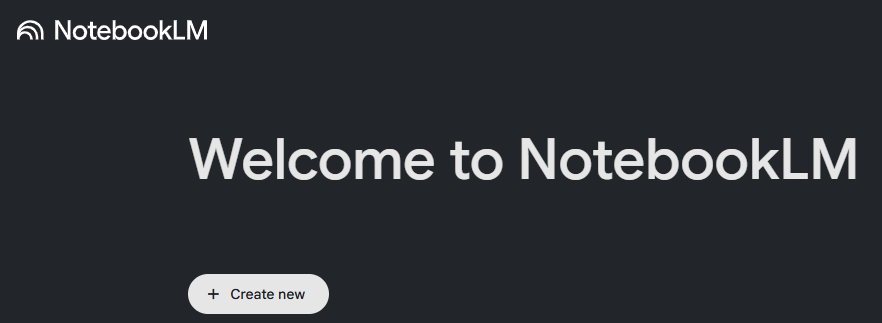
5. Click on “+ Create new”
6. In this example, we will use std. 7 General Science textbook. This textbook can be downloaded from : https://books.ebalbharati.in/pdfs/703020012.pdf
we will create flashcards for chapter 2 Plants : Structure and Function.
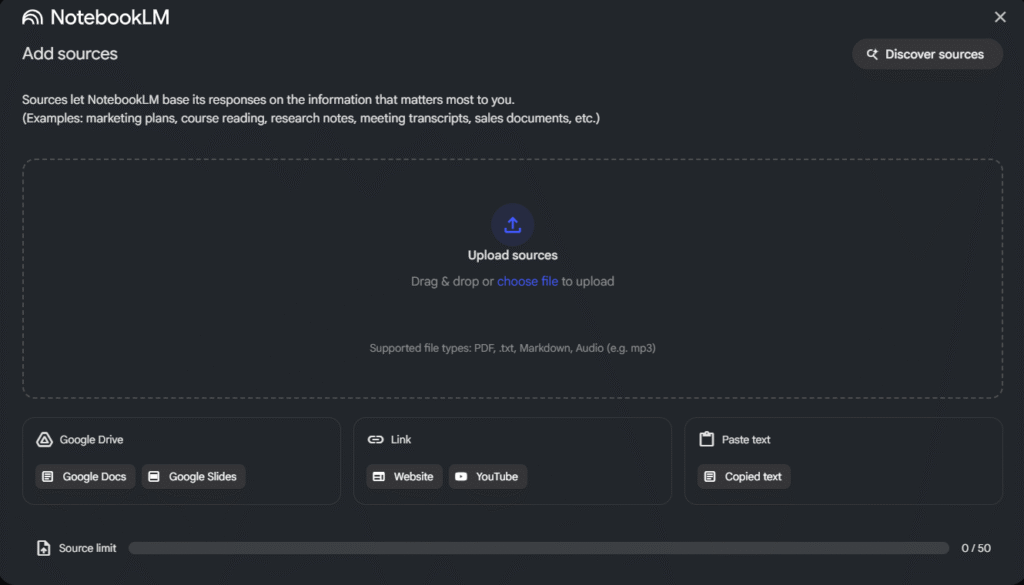
After clicking on “Create New”, NotebookLM will show you the following screen – you can either click on “Website” and put the link for your text book or you can click on “Upload sources” if you already have the book on your computer or Google Drive
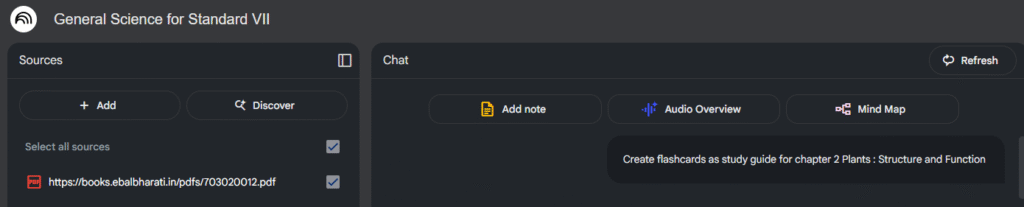
Once it has access to this document, you can ask it to create flashcards:
After it has created the flashcards, scroll down and click on “Save Note” – Your flashcards will be saved as a note on the right side panel.
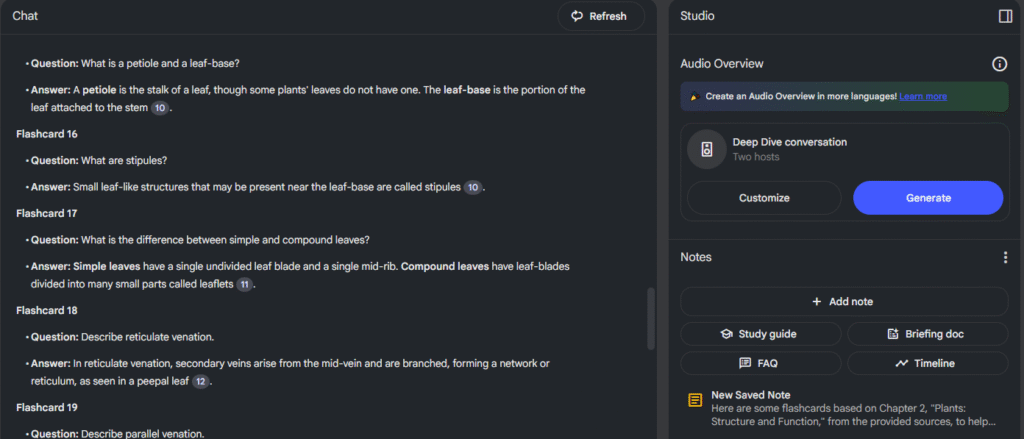
You can come back and read these flashcards anytime.
You can also copy these and paste them into any other document.