
Intro
Step 1: Open AI Studio on Mobile
Head to https://aistudio.google.com/ on your phone’s browser
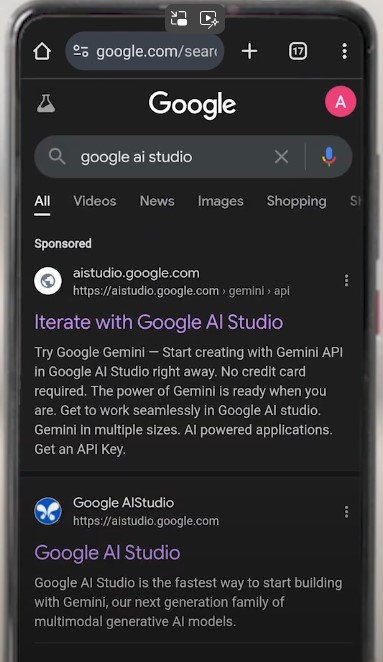
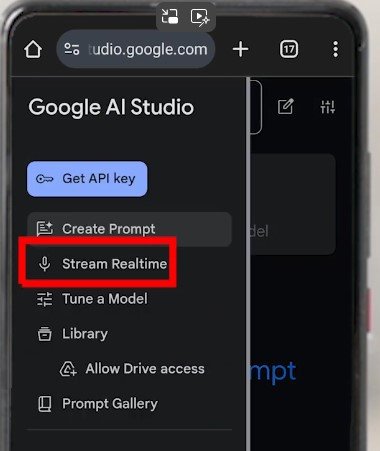
Click on Google AI studio. It may ask you to sign in to your Google account. Go ahead and do this. Then click the menu on the left side (three lines).

Now enable to live stream. On iPhone you will have to enable mic and camera.
Now using the camera, point to the monument or Fort or any thing that is historic and some data on it is available on internet.
Ask it questions and it will tell you what it is. You can talk to it and it will answer back.
The following video shows what it said when I pointed it to Hawa Mahal.